

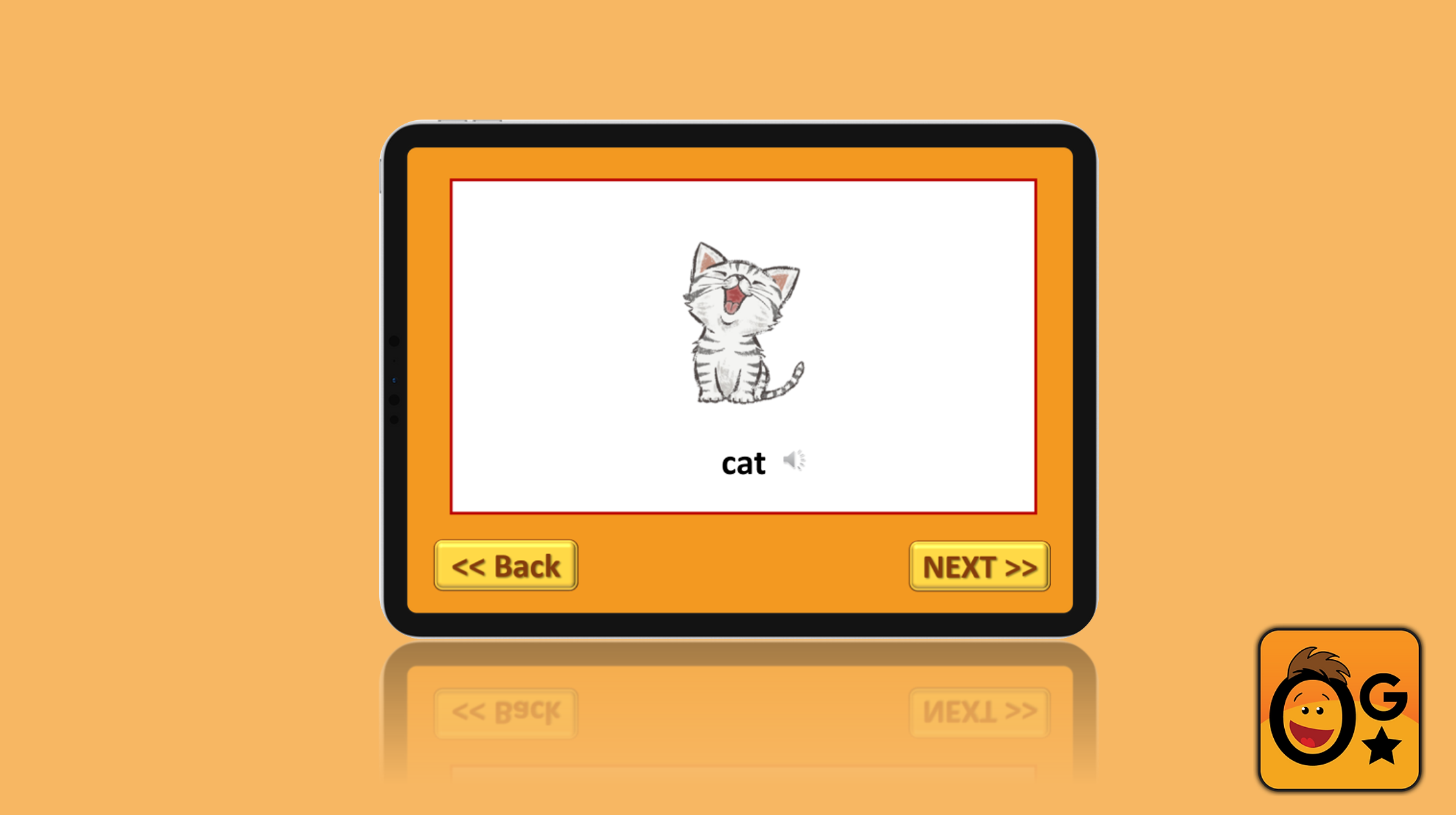
OgStar Reading: Picture Dictionary
PowerPoint Presentation: OgStar Reading
Overview
Project: OgStar Reading – Picture Dictionary & Vocabulary Quiz Supplement
Role: UX/UI Designer
Team: 1 Product Manager, 1 Designer
Focus: UX design, UI design, accessibility, gamification, early‑literacy support
Goal: Create an intuitive picture dictionary and integrated quiz experience for early readers, English learners, and students with dyslexia.
The Problem

OgStar Reading’s literacy game lacked a visual vocabulary tool to support:
- Early readers who rely on pictures
- •Students with dyslexia who need repetition and multisensory cues
- English learners who need contextual meaning
- Young users who get confused by multi‑step navigation
Students needed a simple, visual, and engaging vocabulary experience that reinforces learning without disrupting their flow.
Users & Research
I designed for three learner groups:
Early Readers (Pre‑K to Grade 2)
- Need clear visuals, predictable navigation, and audio support
- Learn best through repetition and simple interactions
Students with Dyslexia
- Benefit from multisensory learning (visual + audio + interaction)
- Need consistent patterns and minimal cognitive load
English Language Learners
- Need picture‑supported vocabulary
- Require contextual examples and pronunciation support
Research insights showed that vocabulary tools must be visual, interactive, and seamlessly integrated into the learning journey.
Identifying the Challenges

Design Process – 1. Define
- Identified gaps in vocabulary reinforcement
- Mapped the learner journey from flashcard → practice → mastery
- Prioritized accessibility, simplicity, and engagement

2. Ideate

- Created low‑fidelity wireframes for picture flashcards
- Explored drag‑and‑drop interactions for active learning
- Designed a quiz concept to reinforce retention
- Ensured navigation required minimal steps for young users
Mood Board

Click on the link to view this Picture Dictionary Mood Board on FigJam.

3. Design
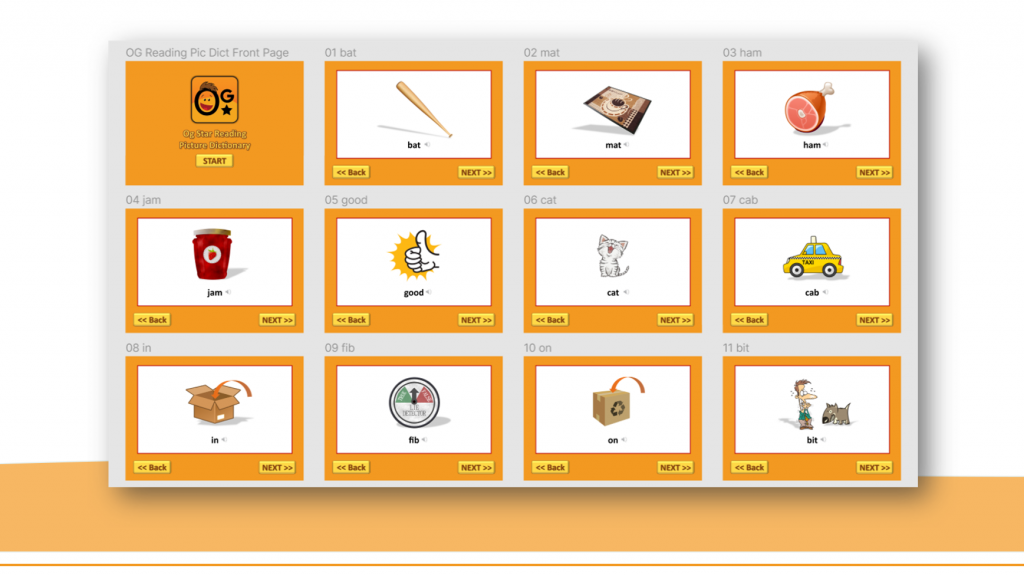
- Built high‑fidelity mockups with:
- Large, readable typography
o High‑contrast visuals
o Touch‑friendly buttons
o Audio pronunciation support
- Added a transition screen that connects the dictionary directly to the quiz
- Selected culturally diverse imagery to ensure representation


When crafting the visual elements, I carefully selected high‑quality open‑source images that were age‑appropriate and engaging for young learners.
4. Test
Usability testing revealed:
- Kids needed immediate feedback (green = correct, red = incorrect)
- Too many steps caused confusion
- Drag‑and‑drop interactions increased engagement
- Audio cues improved comprehension

5. Iterate
- Reduced steps between dictionary → quiz
- Strengthened visual hierarchy
- Added consistent feedback patterns
- Improved spacing and readability for dyslexic learners

Final Designs
The final experience includes:
- Picture Dictionary Flashcards
o Clear images
o Audio pronunciation
o Simple navigation
- Integrated Quiz Game
o Drag‑and‑drop matching
o Instant feedback (green/red)
o Repetition for mastery
- Seamless Flow
o Students move directly from learning → practice
o No cognitive disruption
- Inclusive Visual System
o Diverse imagery
o Dyslexia‑friendly spacing
o Touch‑friendly UI
These features create a vocabulary experience that is intuitive, accessible, and fun for young learners.
Click the link to view the prototype:

Impact & Reflection
This project strengthened my ability to design for early literacy and accessibility.
Key outcomes:
- Improved vocabulary retention through interactive learning
- Reduced confusion with simplified navigation
- Increased engagement through gamification
- Supported diverse learners with culturally inclusive visuals
Designing for young readers taught me how to balance clarity, playfulness, and accessibility — and how thoughtful UX can directly support confidence and comprehension.